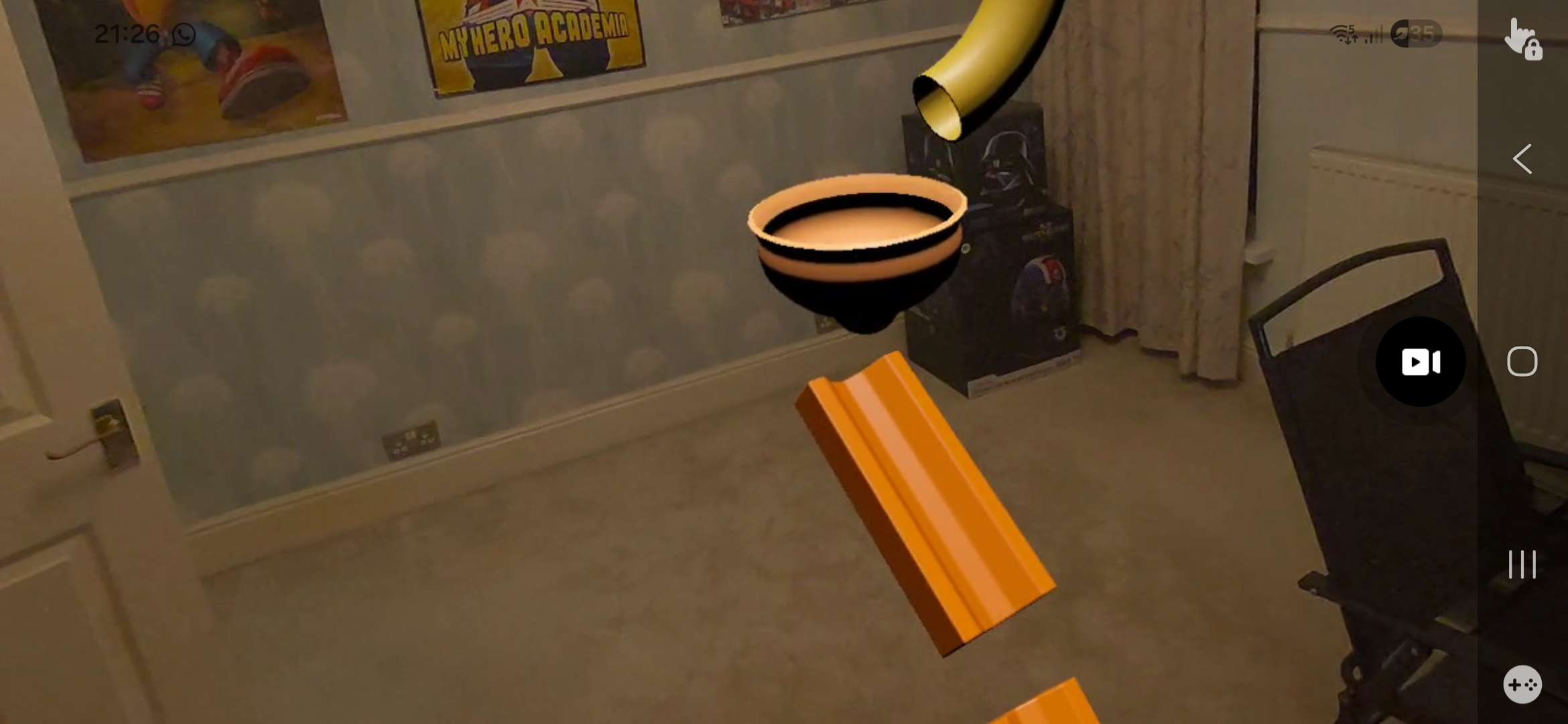
Marble Rewind
A downloadable game
Download
Install instructions
# Marble Rewind — Download & Install
## Device Requirements
- **Meta Quest 3** (required)
- Quest 3 must have a **Room Setup** completed (walls, floor, ceiling, and furniture scanned)
- Developer Mode must be enabled on your Quest 3
## How to Enable Developer Mode
1. Open the **Meta app** on your phone
2. Go to **Settings → Developer** (you may need to create a developer account at [developer.oculus.com](https://developer.oculus.com))
3. Toggle **Developer Mode** on
4. Restart your Quest 3
## Install via SideQuest (Recommended)
1. Download and install [SideQuest](https://sidequestvr.com/setup-howto) on your PC
2. Connect your Quest 3 to your PC via USB-C cable
3. Put on your headset and **Allow USB debugging** when prompted
4. In SideQuest, click the **Install APK** button (folder icon with a down arrow)
5. Select the downloaded `MarbleRewind.apk` file
6. The app will install automatically
## Install via ADB (Advanced)
1. Install [ADB](https://developer.android.com/tools/releases/platform-tools) on your PC
2. Connect your Quest 3 via USB-C and allow USB debugging on the headset
3. Open a terminal/command prompt and run:
```
adb install MarbleRewind.apk
```
4. Wait for the "Success" message
## Launching the App
1. In your Quest 3, open the **App Library**
2. Select **Unknown Sources** from the filter dropdown (top right)
3. Find and launch **Marble Rewind**
4. Ensure you are in a room with a completed Room Setup for the best experience
## Troubleshooting
- **App not appearing?** Check Unknown Sources in your App Library — sideloaded apps don't appear in the main list
- **Room not scanning?** Make sure you have completed Room Setup in your Quest 3 settings (Settings → Physical Space → Space Setup)
- **Performance issues?** Close other apps running in the background on your Quest 3
Leave a comment
Log in with itch.io to leave a comment.